
OmniCon
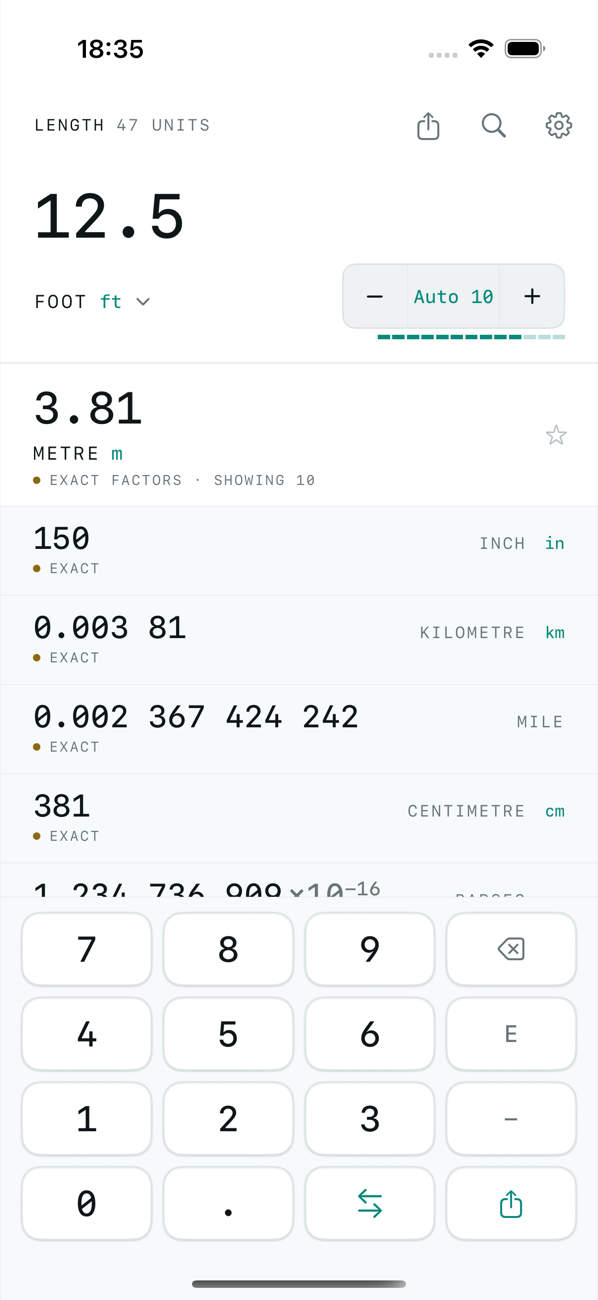
Type a number. Name its unit. Every other unit is immediately converted underneath — and the app shows you how many of those digits it can actually stand behind, because it understands significant figures.
Coming to the App Store Support
One unit, not two
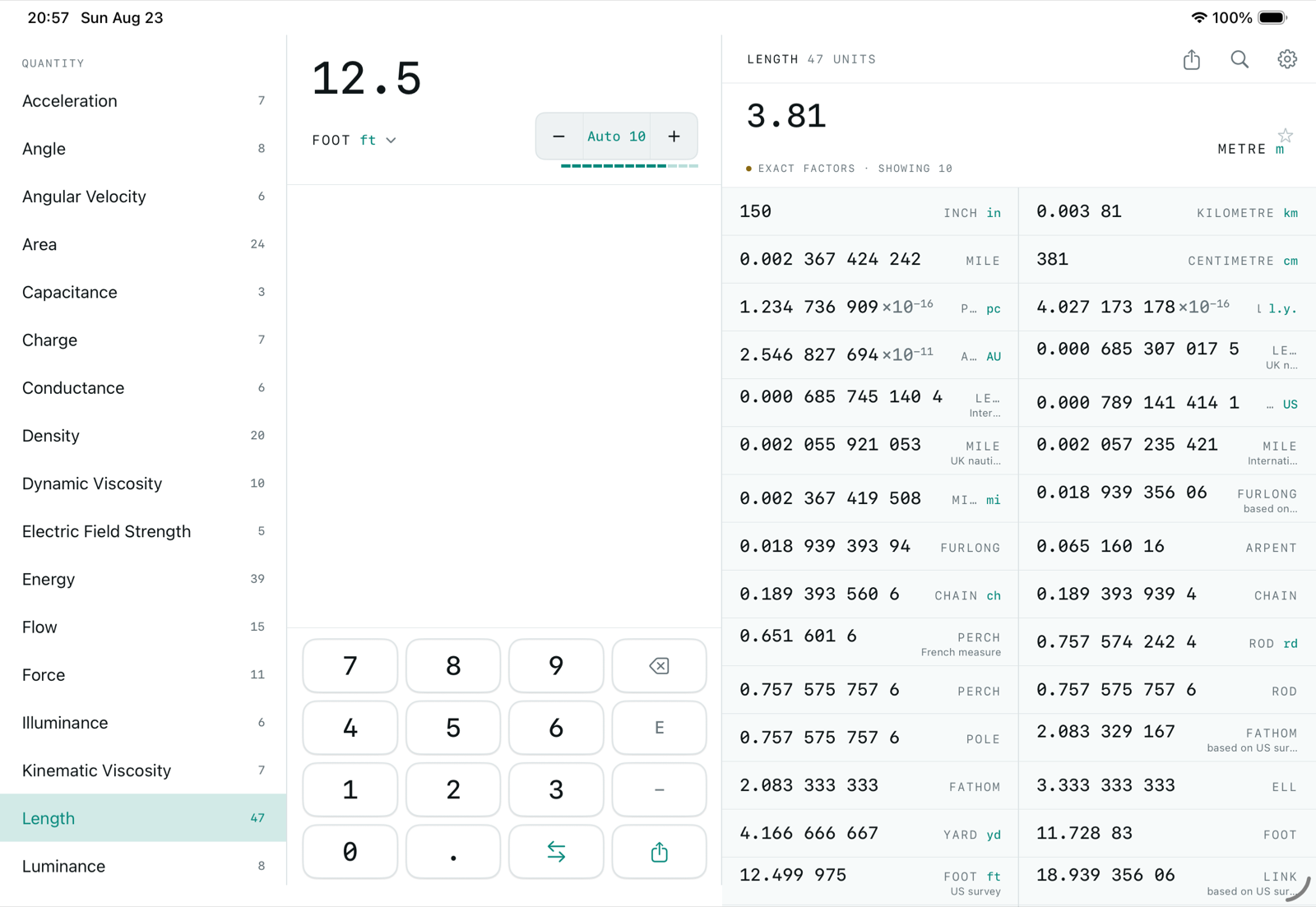
Most converters ask you for two units and hand back one answer. OmniCon asks for a single unit and answers every other unit in the same quantity, so you can compare them instead of running the conversion again. Forty-three quantities, over five hundred units, from acceleration to volume.
Earned digits
Significant figures are the digits in a number that actually carry accurate information. A conversion factor measured to six significant figures cannot produce an answer good to twelve, but other apps happily give you this inaccurate information. Ask OmniCon for more than the factor justifies and the extra digits arrive dimmed — there if you want them, marked as arithmetic rather than measurement. Factors that are exact by definition are marked in normal text, so you can see at a glance when a result is exact and when it is limited by a measurement.
The bench
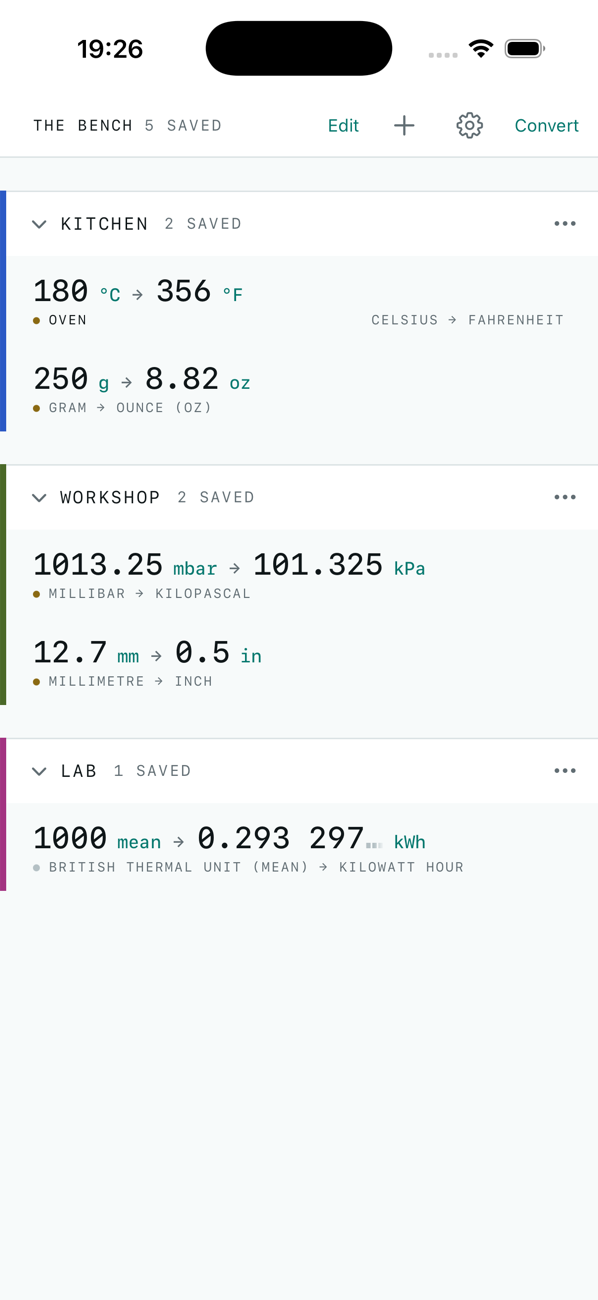
A conversion you do nine times a morning should not cost you two choices each time. Save it once to the bench, give it a name and a group, and it is there — with the number you typed last, the swap button that exchanges the units without touching your figure, and a shortcut Siri can run.
Where the numbers come from
Every conversion factor is taken from published national standards and checked against them. The 2019 redefinition of the SI made several constants exact that were once measured, and the table reflects that. Currency is the one quantity the app fetches rather than ships — the European Central Bank's daily reference rates — and it says so, with the date, whenever it shows one.
A guide, not an authority
OmniCon is for checking a figure and understanding its precision. For engineering, medical, aviation, legal or financial work where an error would be dangerous or expensive, take the number from the standard that governs your field and have it checked.
A little history
OmniCon was first written in 1993 for Windows and sold as shareware until 2000. Its distinguishing feature then was the same one it has now: rather than printing whatever the arithmetic produced, it tracked the precision of each factor and showed only the digits that were justified. This is the same idea, rebuilt from scratch for iPhone, iPad and Mac.